
The next meeting date
Last modified: 17 May, 2024
BNI+ content, functionality and notifications are driven by the next meeting date. This date is displayed at the top of the HOME view:
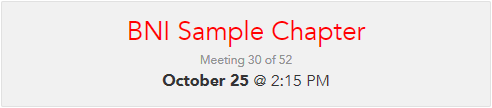
This date and the meeting number is based on the chapter’s meeting schedule (defined in Chapter > Settings) and the regional holiday calendar.
Notifications can be accessed from the Admin menu drop-down. All notifications from BNI+ are scheduled at fixed times before or after the next meeting date but can also be sent manually using “send now” located at the bottom of the page.
Advancing the next meeting date
The date advances to the next meeting date effect 36 hours after the current meeting ends. During that time, the HOME view will display a message on the time remaining before the switch.
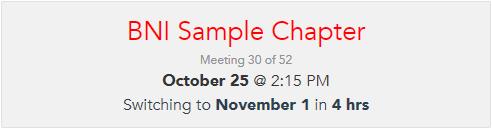
The following content will be cleared when the next meeting date changes:
- Meeting attendance & visitors
- Meeting section presentations – like Networking Education
- Featured speaker presentations
- Chapter performance numbers
- Recognition – network leaders or new or renewing
- Closing quote