
Events meeting content
Last modified: 22 May, 2024
BNI+ allows both region and chapter to manage a list of events that are of interest to the membership. Typically, the region uses this feature to share information on upcoming training, workshops, or regional/national events. Chapters often use this feature to track local networking events of interest.
|
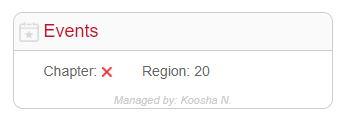
Chapter events can be delegated to members by assigning them from Chapter > Settings. The member you assign will receive a link from BNI+ with access to the Events administration. Leadership can also select the block from the HOME view or from the menu under Chapter > Events. |
 |
|
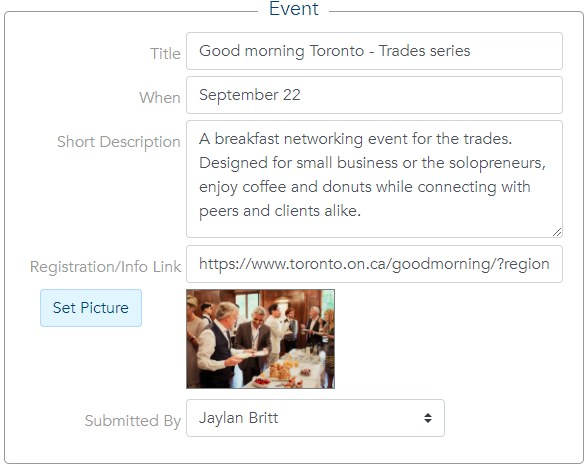
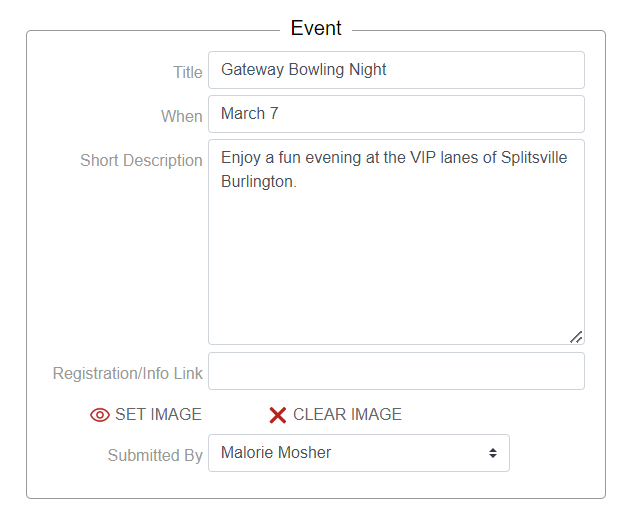
Events can be added directly by leadership or the member(s) delegated with that management role. An event is defined with:
|
 |
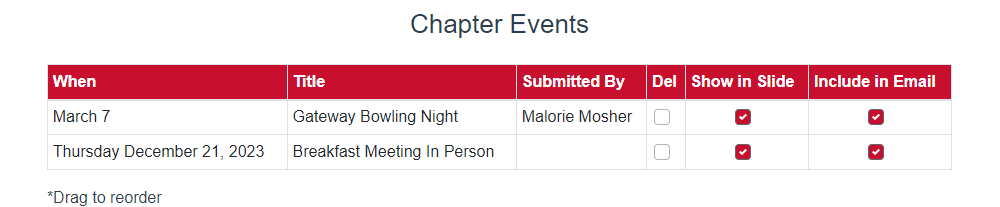
Each event can be flagged as appearing in the slides, the emails or both. This was designed to allow highlighting specific events during the meeting while sharing a broader list with the members when emailed.
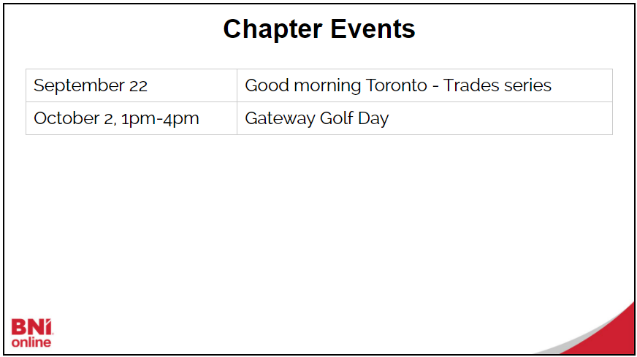
By default, chapter or regional events can be displayed during the Announcements section of the meeting.
Chapter events while delivering the meeting
Chapter Events summary slide can be selected from the controller.
|
|
|

The Specific Event Details slide will prompt to select and display all details of one event.
|
|
|

Chapter event information can be emailed to members in two ways:
|
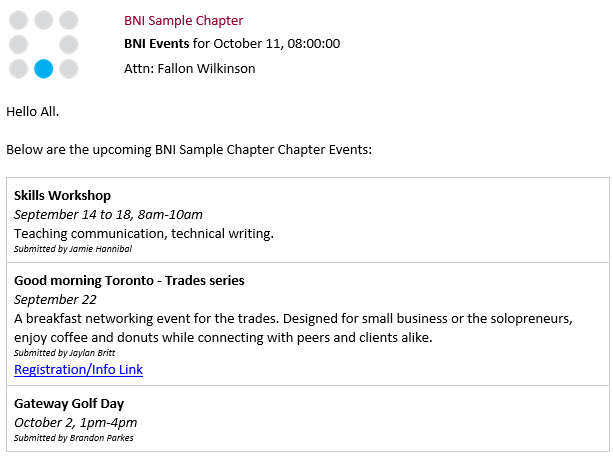
1. An event info email The event info email to members is enabled from Chapter > Settings.
This will email a summary of selected events and links to each member once a week. The bottom of this email includes a link that allows members to submit events. These events will remain disabled until approved by leadership or the events manager.
|
 |
|
2. The chapter newsletter The newsletter allows the addition of chapter events by adding the Events block in the Set newsletter Layout. |
|
