
Recognition meeting content
Last modified: 21 May, 2024
BNI+’s allows for easy assignment of members to common recognition options:
- Network Leader Award
- New or Renewing Member
- Top performing Members –availability depends on region
Assigning recognition members
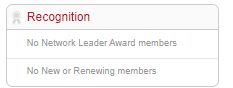 Recognition cannot be delegated to members and can only be assigned by leadership or a member with BNI+ access. Select the block from the HOME view or from the menu under Chapter > Recognition.
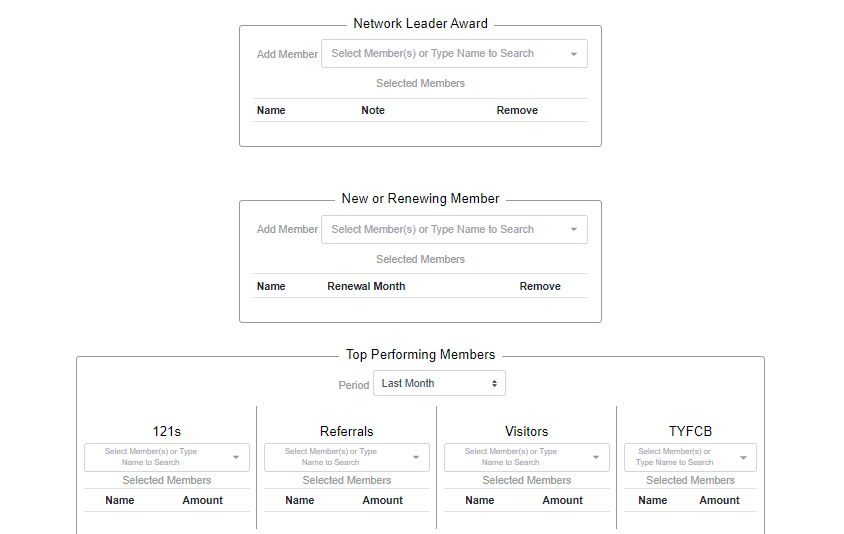
Members are assigned to each option using the multi-select drop downs. This allows you to select and deselect one or more members.
Some recognition assignments allow adding a note, a month, or an amount below the member selection.
Recognition while delivering the meeting
During the meeting, the president selects the section and slides from the controller to display all or specific members being recognized.
For Network Leader Award or New or Renewing Member, select the section then the slide to show all or select a specific member being recognized.
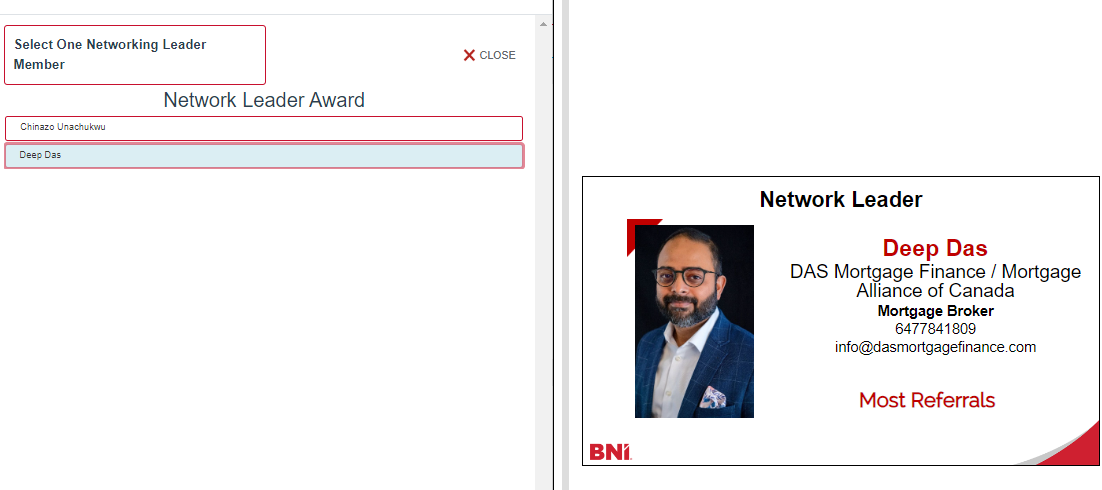
Some regions allow for Top Performer recognition. In this case one or more members are assigned to 121, Referrals, Visitors or TYFCB awards.
Please note:
- Recognition assignments will be cleared when the meeting date moves ahead to the next meeting.
- You can drag and order members when more than one member has been assigned to a specific award.