
Open categories meeting content
Last modified: 21 May, 2024
The open category list is a simple flat list of titles that can be ordered and displayed during the meeting.
|
Open categories can be delegated to members by assigning them from Chapter > Settings. The member you assign will receive a link from BNI+ with access to the Open Category administration. Leadership can also select the block from the HOME view or from the menu under Chapter > Open Categories. |
|
The open category list is simple to manage:
- Add new categories by clicking NEW at the bottom of the table.
- Edit a category by selecting it from the list.
- Drag a category up or down in the list to prioritize.
|
An open category can be disabled and will remain in the BNI+ list but will not be displayed in the slide. |
Open categories while delivering the meeting
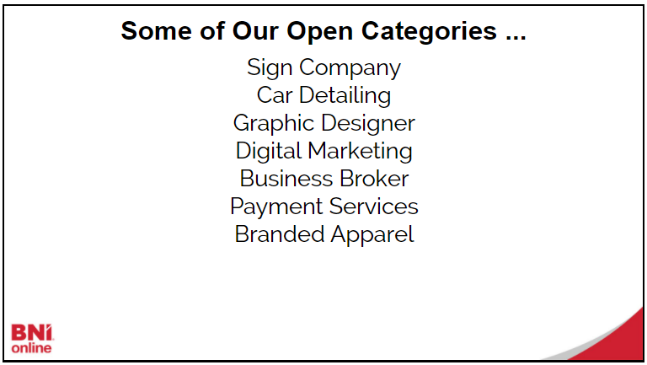
Open categories are displayed throughout the meeting, most notably during the Vice president’s report. There are two options for displaying the list in either the default or random order.
 |
*Note: Your region may limit the number of open categories that appear on the slide.