
Assigning members to co-manage meeting
Last modified: 17 May, 2024
An important feature of BNI+ is the ability to delegate members to manage various elements of the meeting.
Members are assigned to manage from two places:
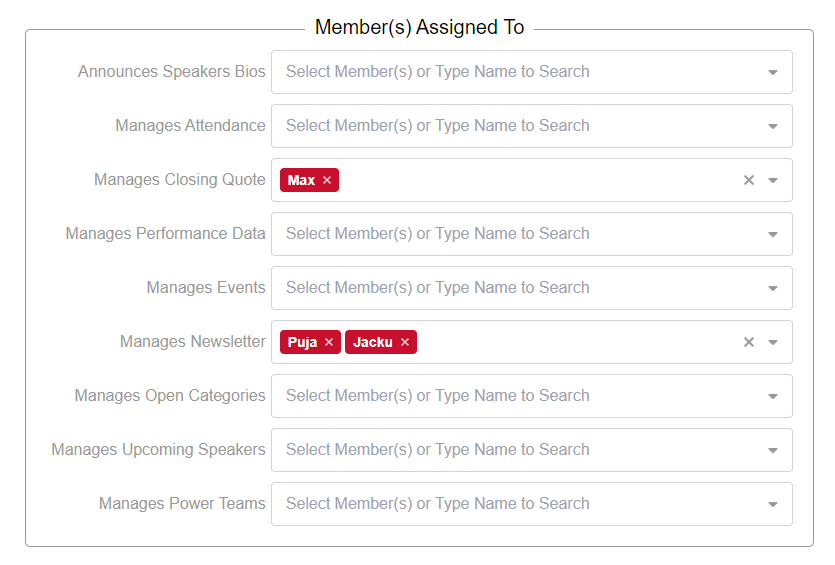
- From the chapter settings, in the section for Member(s) Assigned To . Go to Chapter > Settings and scroll down to the Member(s) Assigned To section.
- From the meeting Agenda by assigning members to a meeting section like Networking Education
|
You can assign one or more members to each of these management roles. Each member assigned to manage content will receive regular email notifications from BNI+. The emails will include a link that gives access to a simple view to manage that content. The updated content will be reflected in the script/slides that are presented during the meeting.
|
 |
The full list of notifications and all assigned members can be viewed from Admin > Notifications. The notification emails will automatically be sent at specified intervals before or after the meeting.
Related Topics: