Closing quote meeting content
Last modified: 22 May, 2024
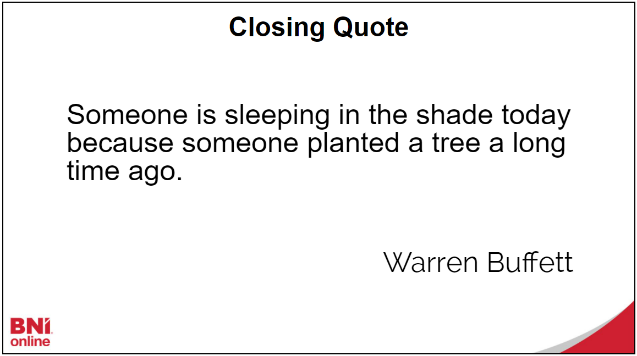
The closing quote of the meeting is read at the end during the meeting close.
You can assign the submission of the closing quote to specific member(s) or have that week’s featured speaker submit the quote. This choice is set from Chapter > Settings:

|
If you wish to assign this role to specific members, then select Assigned Manager. The actual members can be set further down in the Member(s) Assigned To section of the settings.
|
Alternatively, you can choose to have your [x] featured speakers submit closing quotes. In this case, featured speakers for the current meeting will receive a link to submit their own quotes.
|
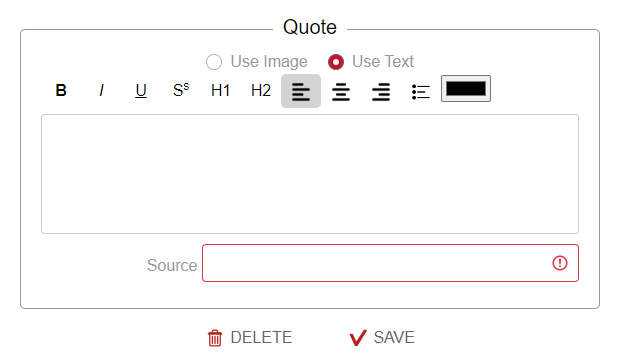
The closing quote can be set as a text quote or an image. The source of the quote can also be provided. |
 |
Closing quote while delivering the meeting
The president can select each quote from the controller to display during the presentation.
|
|
|