
Regional contacts
Last modified: 15 May, 2024
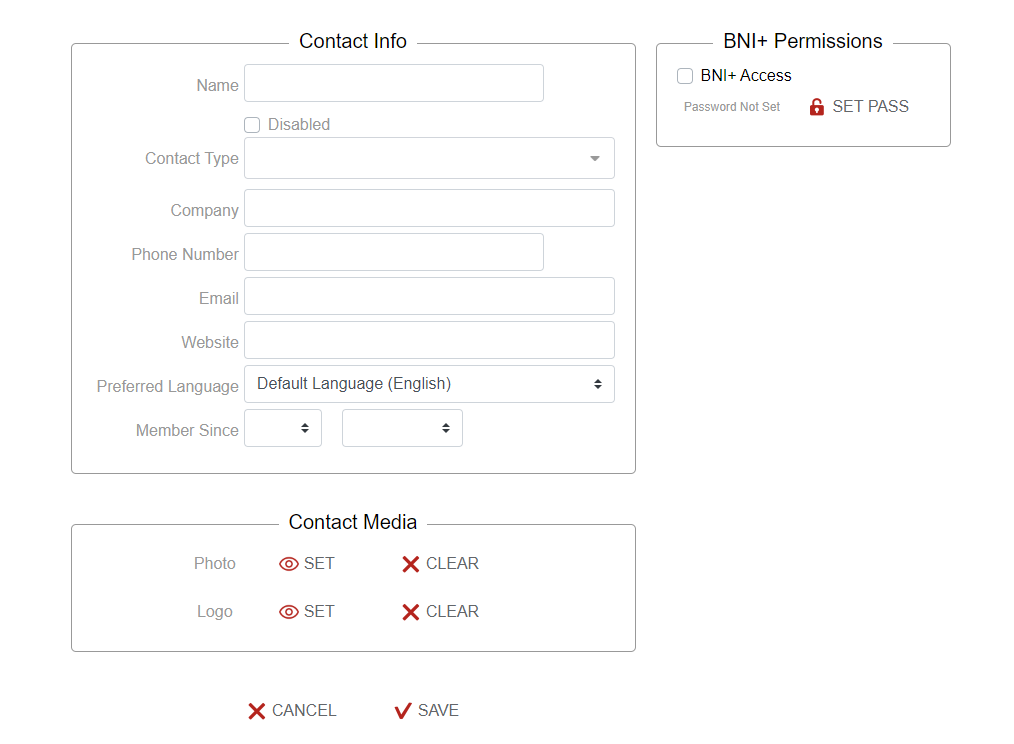
Contacts are accessed through Region>Contacts. Add your regional contacts and BNI+ access permission by selecting NEW. Fill in the contact details and select SAVE. These contacts are available to all of your chapters including core chapters.
|
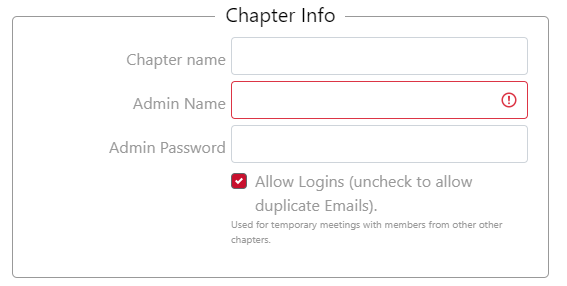
Assign chapter contacts and language through Region>Chapters. Select the chapter from the region list. Assign regional contacts in the pop-up window and select SAVE. The chapter language(s) can be set here by selecting from the drop-down menu. Select SAVE. *Note: To disable a chapter go to Region>Chapters. Select the chapter from the region list. Select Disabled in the pop-up window and select SAVE. |
 |