
Regional roles and key values
Last modified: 15 May, 2024
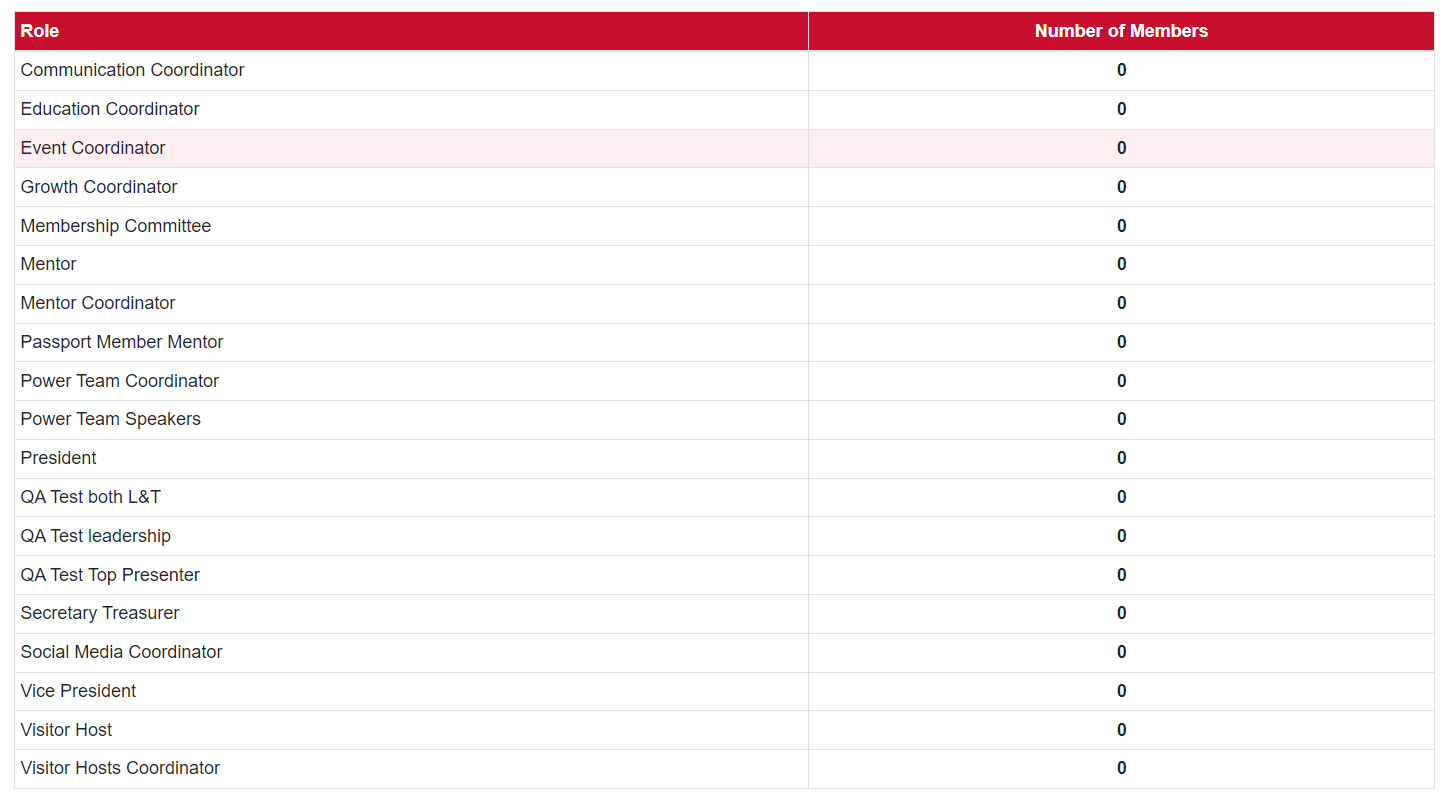
Roles can be accessed through Region>Roles. Select the listed chapter role to make changes.
|
Regions determine which roles are official BNI roles. These roles will appear with a grey background to the chapters. Official BNI roles are referenced in the script and slides. Regions can also adjust the role title, limit a role to one member and identify leadership positions for all of the chapters in the region. |
 |
|
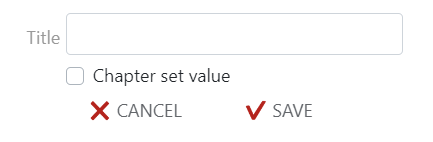
Key values can be accessed through Region>Key Values. Existing regional key values can be filled in directly. Select SAVE. Fields with a grey background are national values and are updated at the national level. Regional key values can be created by selecting NEW at the bottom of the page. A region can determine if a chapter can set the value or if it is restricted to regional input. |
 |