How roles are changed on national level
Last modified: 07 August, 2024
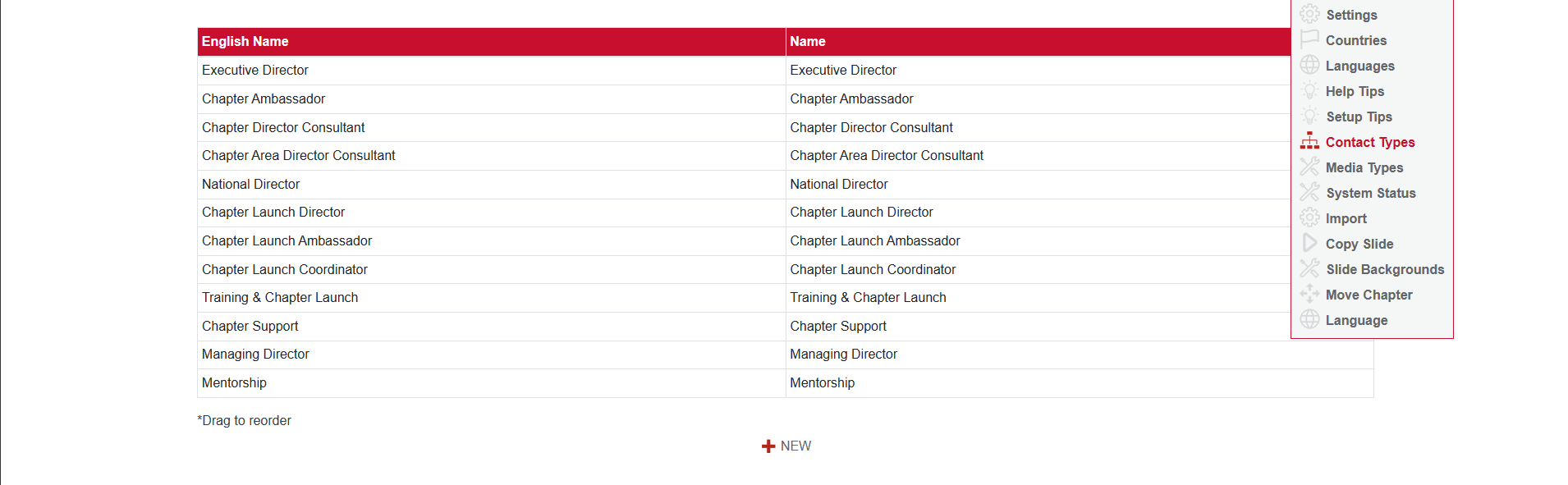
Roles on the national level are positions a member can occupy as part of the BNI leadership team in a chapter. New roles can be added by someone with a national level login. To add new roles on a national level within the BNI leadership team. Here's a summary of the steps:
- Go to the 'Admin' tab.
- Click on 'Contact Types'.
- Scroll down to the bottom of the page.
- Look for the '+New' button.
- Click on '+New' to create the new role.
The new role can then be accessible to every region/chapter to use.