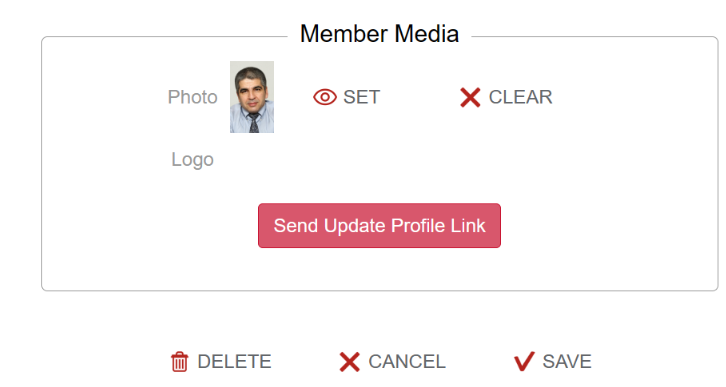
Upload a new member's photo
Last modified: 23 April, 2024
Have your member photo and/or logo prepared in an image file format we recommend either jpg. or png.
From the control bar at the top of the page hover on the Chapter tab. From there you will see a drop-down bar you need to click on ‘member’. Scroll down to the section where it says Member Media. You can click ‘set’ and then a window will open allowing you to upload the members photo. Remember to click save. The members photo should now be visual.