
Delivering a meeting
Last modified: 15 May, 2024
The Presentation Screen and Meeting Controller views are used together to host and run a live meeting. They are accessible from HOME in the Deliver section.
 |
The Presentation Screen is the slide show that attendees view during the meeting. This is the shared Host screen during an online meeting or a displayed physical screen during in-person meetings. |
|
|
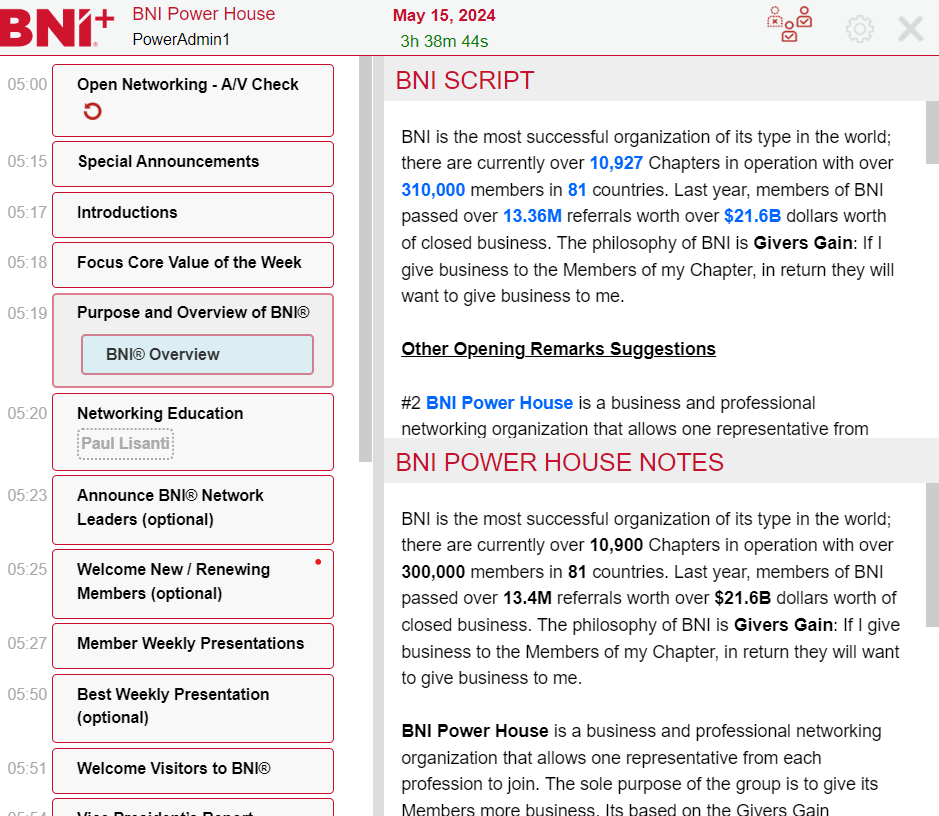
The Meeting Controller is used to run the meeting and brings together the agenda, slide selection and meeting script. Selections from the Meeting Controller will refresh the presentation view. |
BNI+ is a web application powered by BNI and is accessed by browsing to:
https://bniplus.com/
We recommend Google Chrome when using the application.
Typical device configurations
The Meeting Controller typically runs on a secondary scree or another device as shown below:
|
|
Dual Screen Computer Presentation and Controller are on separate displays
|
|
|
Computer and Tablet Computer hosts the presentation while the tablet runs the controller
|
|
|
Computer and Phone Computer hosts the presentation while the phone runs the controller
|
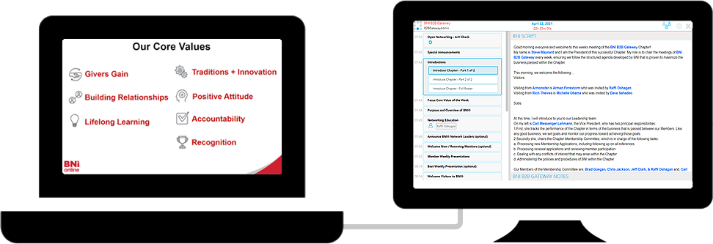


During in-person meetings the presentation screen is projected or displayed onto a physical screen.