
Assigning member roles
Last modified: 21 May, 2024
|
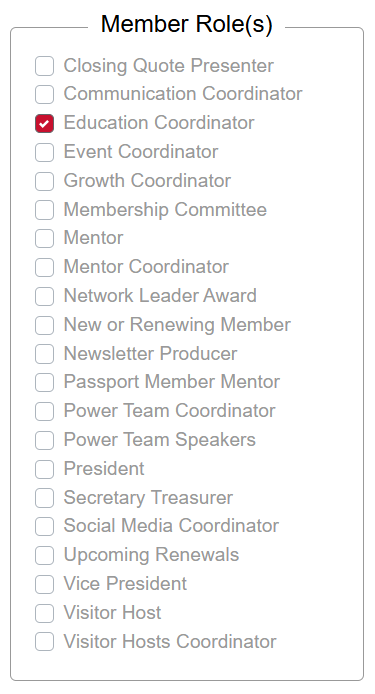
Member roles refers to the BNI role(s) they may hold with the chapter.
These roles will routinely be updated with data received from BNI. To adjust these roles select a member from Chapter > Members. Select/unselect one or more roles and click SAVE at the bottom.
For roles like membership, enter the sub-role that applies (e.g. harmony)
Leadership roles will automatically receive BNI+ access |
 |
Related Topics: