
Adding an image to the body of text
Last modified: 22 May, 2024
1. Have the image prepared in an image file format such as jpg. or png.
2. Go to the slide where you would like to add an image.

3. Click the graphic icon on the side. A similar graphic block with appear on your slide. Double click the graphic block.
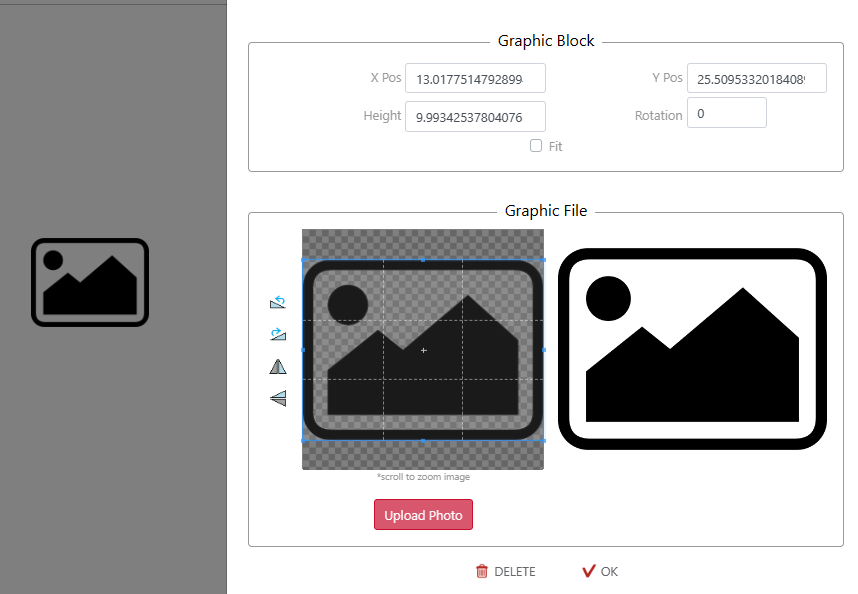
4. When your graphic block window is open select ‘Upload Photo’ and choose your desired image.
5. Remember to 'SAVE'