
The meeting script
Last modified: 21 May, 2024
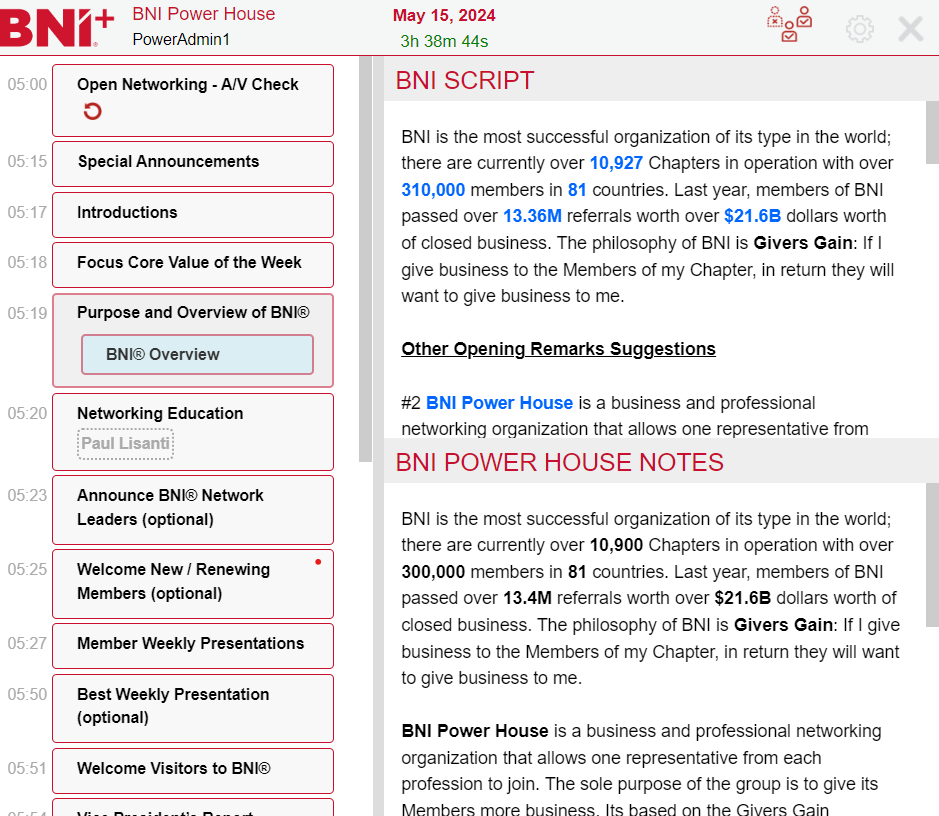
The meeting script is broken into sections and will be informed by gathered information such as member names, visitors & performance numbers. The script is displayed to the president one section at a time while delivering the meeting.
|
The region sets the master script for all chapters. Chapters can set their own notes for each section of the script. Both the master script and the chapter notes are displayed to the president during the meeting.
|
 |
|
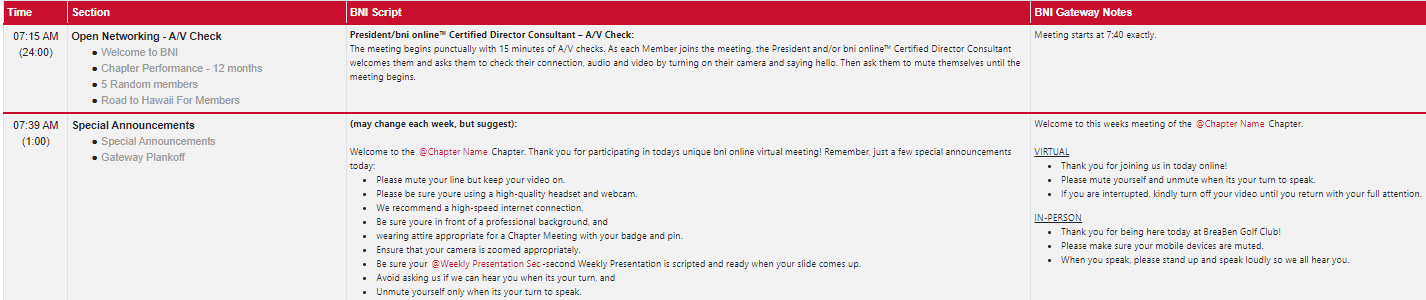
To access the script, select Meeting > Script. The BNI master script and chapter notes are displayed in two columns by section. |
 |
Related Topics: