
Login and Permissions
Last modified: 14 May, 2024
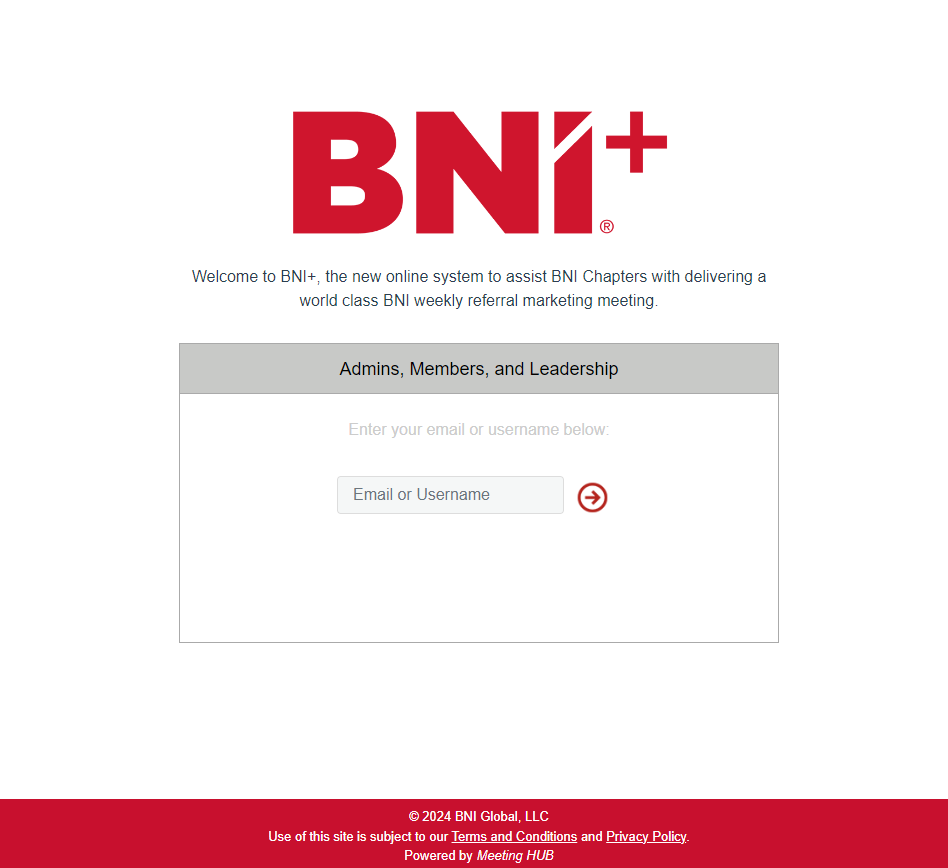
A single login point will redirect all users according to the permissions they have.
|
This login recognizes and redirects
|
 |
|
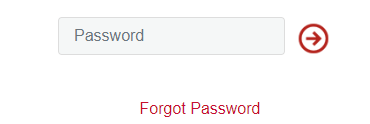
If you don’t know your password, enter your username, and click the next arrow to reveal a Forgot Password option. |
 |
Accessing by a login or a link
The notification links sent by BNI+ are designed to not require a login. This means if a speaker clicks a link to setup their presentation, they do not need to login. Similarly, the attendance manager can click the notification link they receive to access their attendance panel without logging into BNI+.
Access to BNI+’s HOME and all features requires that you login with a permission named after the application, BNI+ Access.
BNI+ Access
|
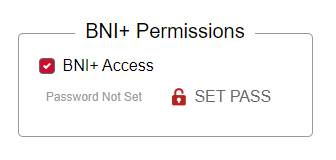 |
When a member is assigned this permission, they will receive an email from BNI+ to setup their password.
Chapter admin accounts
- This is the primary admin login account assigned when the chapter is created.
- There is only one admin account per chapter, and it is set by the first leadership team or assigned by the region
- The admin account is used to setup the chapter and assist with leadership transition if required
- The Region account may also log into the chapter as a Chapter Admin.
- Once leadership have setup the chapter and enabled their own logins, this account should not be used.
- Logging in with the admin account will prompt leadership to setup and use their own accounts.
Members assigned to manage content
The content managers may access their dashboard to manage their content bucket.
- Members who have been assigned as content managers receive weekly email notifications.
- When they click on the link in the email, they are given access to the relevant section of BNI+ where they can manage their content.
- A notice at the bottom of the section will be prompt them to create their own login account: